Dish names and descriptions in your customers' language
October 21, 2026
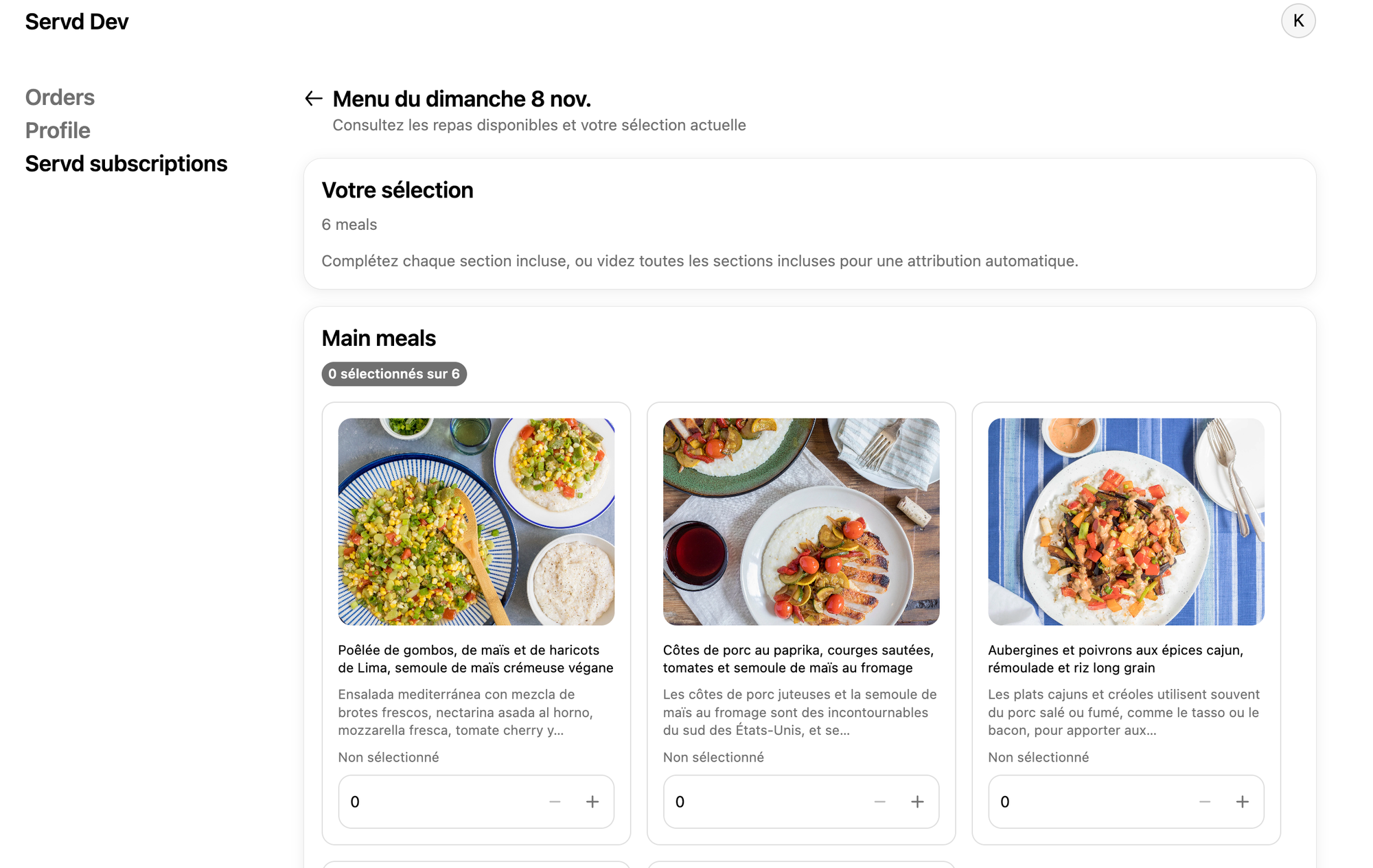
Customer languages translated Servd's own words, but your dishes stayed in your default language, so a French menu page still listed English dish names. If you already translate your products in Shopify, Servd now uses those translations.
What it is
Translate your products in Shopify, for example with Shopify's Translate & Adapt app or another translation app that saves its translations in Shopify. A customer browsing your store in one of your customer languages then sees each dish's translated name and description.
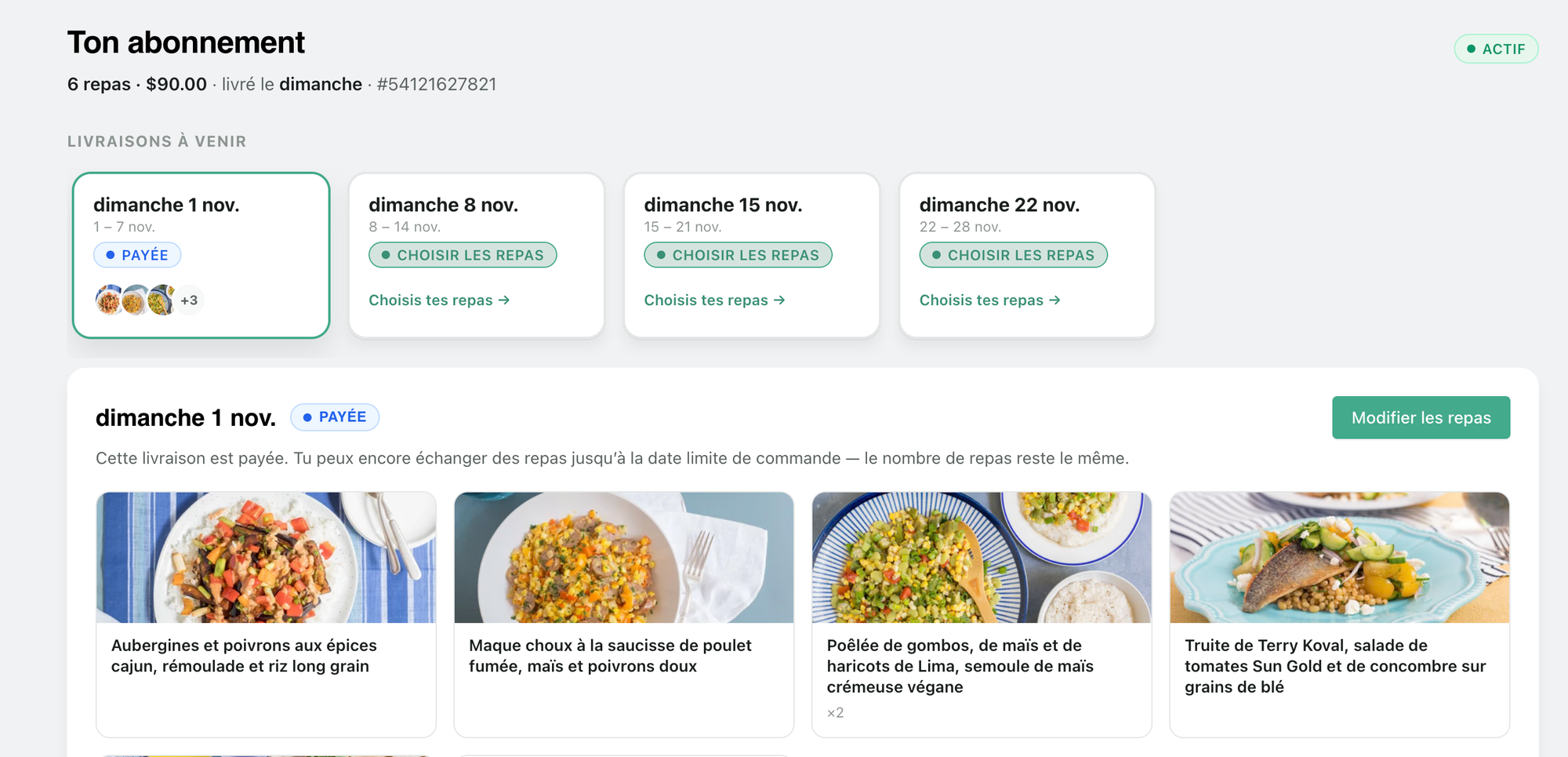
They appear on the menu page and in the meal details, in the meals a customer has chosen in the customer portal, and on their Shopify customer account page, both in their chosen meals and when they change them.
A dish you have not translated shows its own name and description, and a dish with only a translated name keeps its own description. Carts, orders and your reports keep each dish's own name, which is what your kitchen sees.
How to set it up
In Settings → Customer languages, check more than one language and save. Shopify asks you to allow Servd to read your store's translations; allow it, and Servd copies the translations of every dish on your menus. Dishes you add to a menu later get theirs automatically.
After you change a translation in Shopify, select Sync dish translations in Settings → Customer languages to show it.
Translations that exist only inside a page-translation app such as Weglot are not stored in Shopify, so Servd cannot read them. Menu names, selection section names, Guided Start questions and your email text are still shown as you wrote them.
More product updates
Plan photos in Guided Start, and two plans per row on phonesStorefront · November 17, 2026Copy your menu link from Meal plansStorefront · November 16, 2026Show your weekly menu anywhere in your themeMenus · November 13, 2026Ready to set this up on your store?
Servd is free to install and walks you through creating your meal plan, your first menu, and the storefront entry point.
Install Servd on ShopifyQuestions about your setup? Email us — we respond within 24 hours.