Built for meal kit & prepared meal brands
The subscription app your food business actually needs
Whether you sell meal kits or prepared meals, Servd connects plan products, menus, customer ordering, production reports and retention tools inside Shopify.
▶ Watch the full setup walkthrough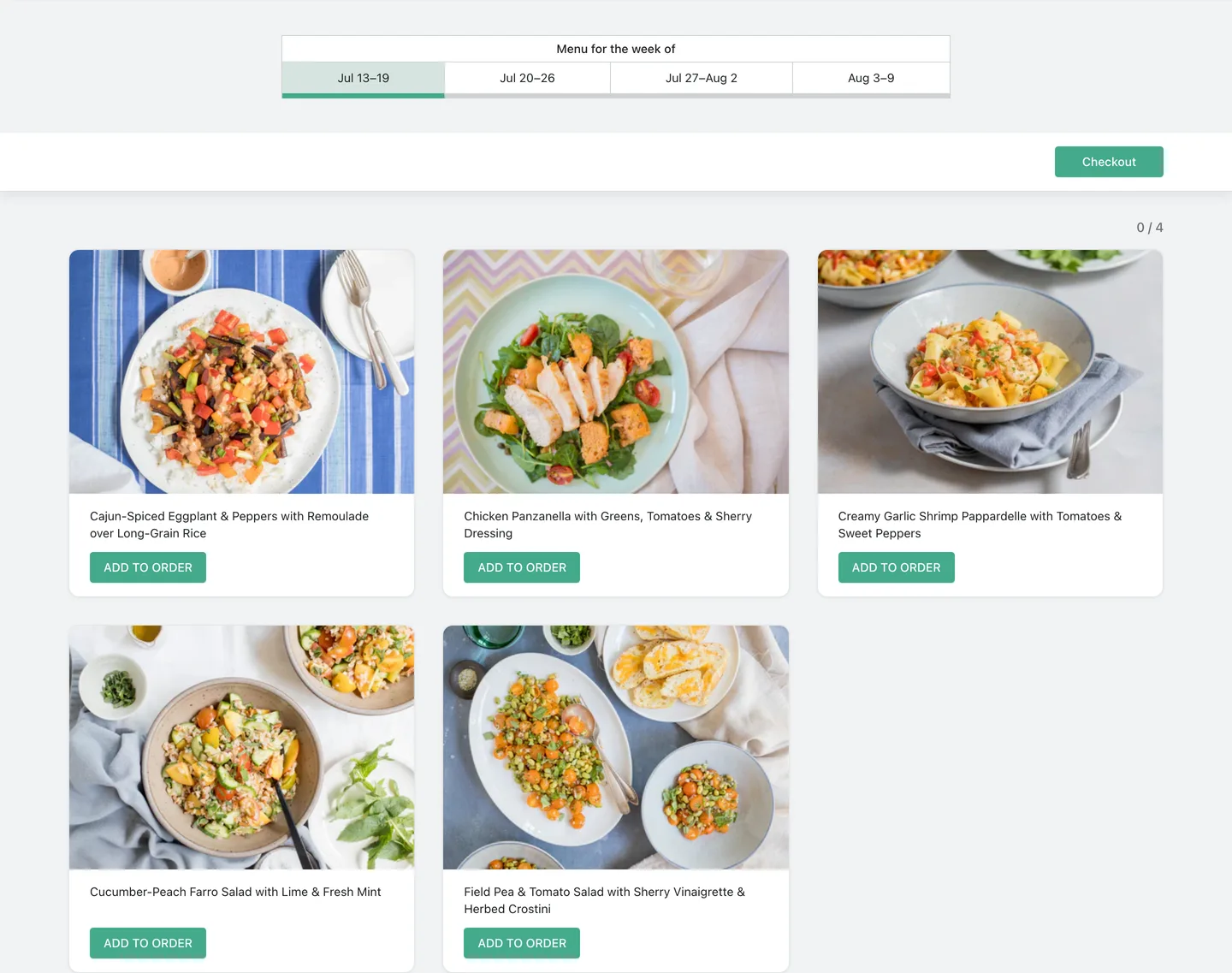
Business Models
Built for the way food subscriptions actually run
Weekly rhythm
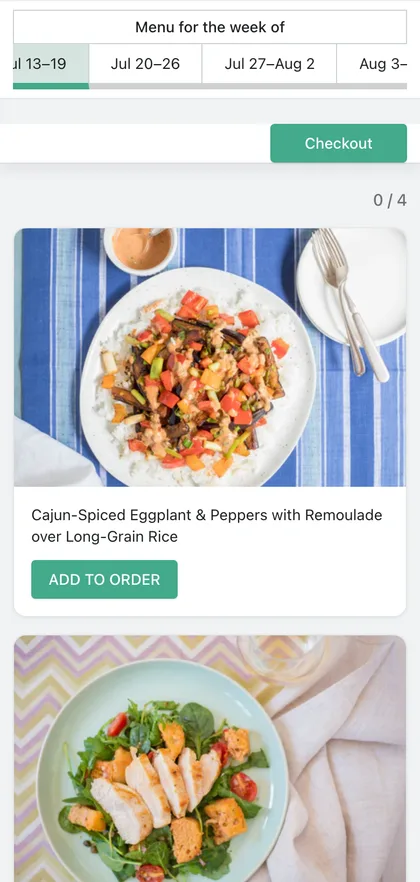
Rotating weekly meal plans
Fresh prepared meals or meal kits with a new menu each delivery week.
- Weekly menus, templates and rotations
- Cutoffs by delivery period
- Auto-assign for customers who do not choose
Customer choice
Build-a-box subscriptions
Customers choose exactly what fills each recurring box before cutoff.
- Meal caps per plan variant
- Per-dish options and paid add-ons
- Guided start or product-page ordering
Always on
Evergreen catalog boxes
Frozen meals, pantry boxes, baby food and stable menus that stay available.
- One standing menu instead of dated weeks
- One-time or subscription purchases
- Customer edits before the order locks
Multiple lines
B2C, B2B and specialty plans
Run separate plan products without duplicating the whole menu operation.
- Different prices, caps and selling plans
- Separate storefront offers
- Shared menus and production workflow
The Problem
Food subscriptions break generic subscription tools
Recurring billing is only one piece
Food brands also need plan sizes, weekly choices, delivery windows, add-ons and kitchen-ready order details.
Menus change faster than product pages
Weekly specials, rotating templates, evergreen catalogues and dish options should not require rebuilding your Shopify store.
Subscription data is not production data
Your kitchen needs delivery-week demand, missed-pick handling, packing slips and clear Shopify order links before prep starts.
Why Servd
Built for the work after checkout
Food subscription-native
Servd is built around menus, meal choices, delivery weeks and kitchen workflow, not only recurring billing.
Shopify-native where it matters
Products, orders, customer accounts, theme blocks and checkout stay connected to the Shopify system merchants already run.
Operations after checkout
Meal Demand, packing slips, delivery-week reporting and customer emails help turn subscriptions into weekly execution.
Ready to automate your food subscriptions?
Free to install. Works with your existing Shopify store.