Rotating menus
June 18, 2026
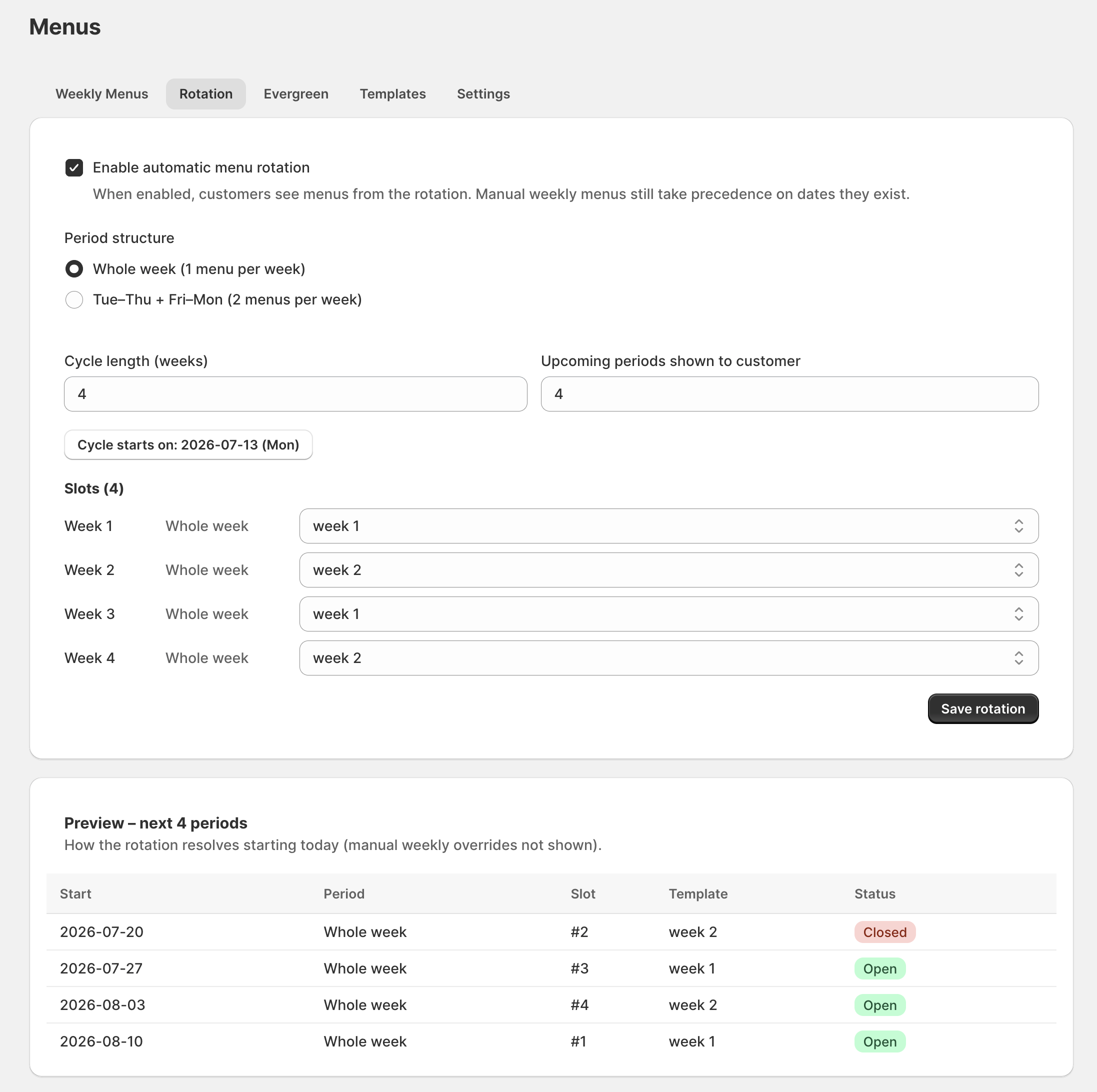
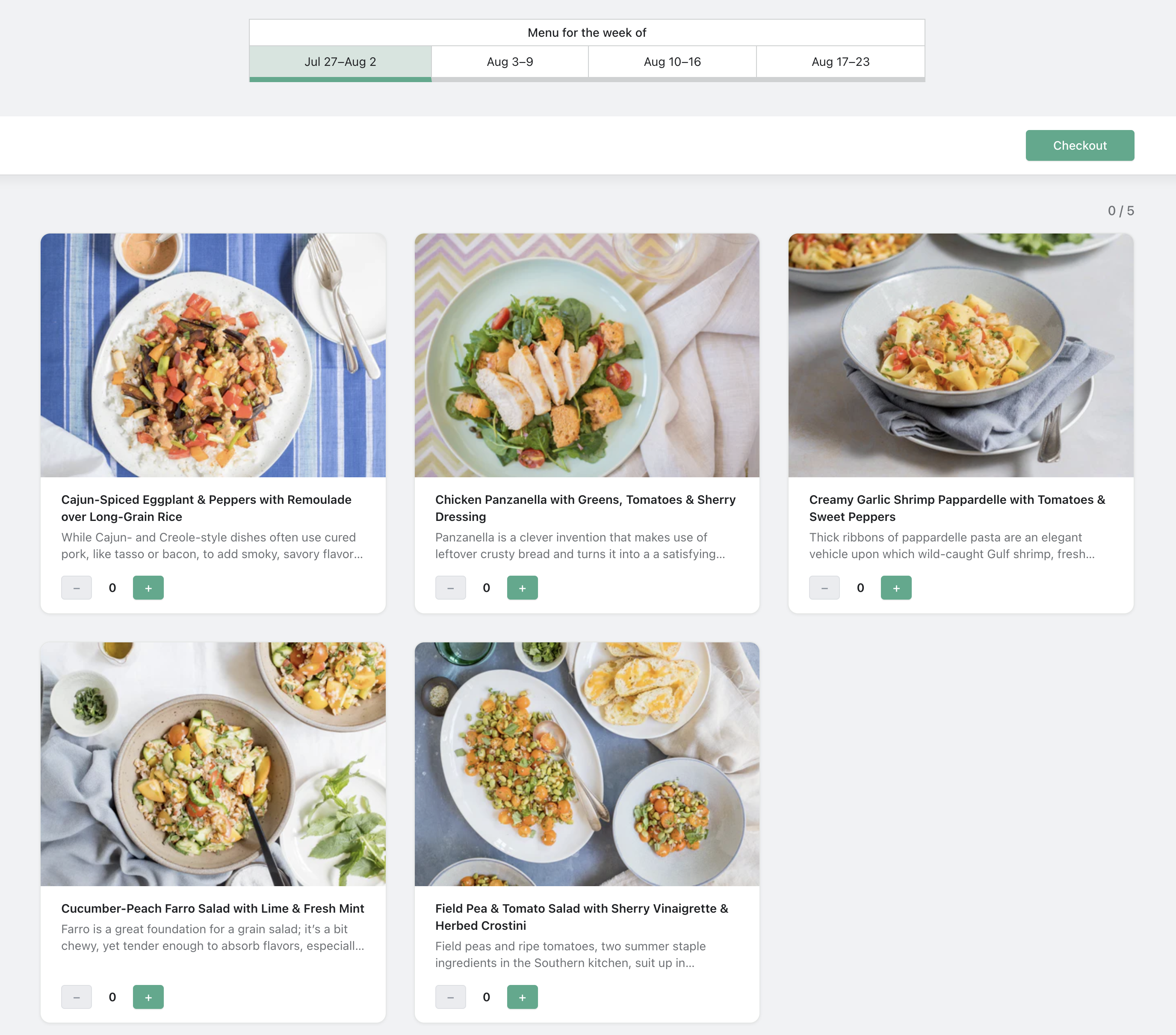
Rotating menus automate the weekly calendar. Instead of building each delivery week by hand, you arrange a set of menu templates into a rotation and pick a start date — the app cycles through them for every upcoming week.
What it is
A rotation is an ordered set of menu templates that repeats on a schedule. You choose which templates are in the cycle and any start date; the app resolves which menu each delivery week gets, so weeks are populated automatically as they come up.
Why it matters
If your menu follows a repeating pattern — a four-week rotation, an A/B alternation — building each week by hand is pure repetition and a source of mistakes. A rotation sets it once and lets the calendar run itself, while still letting you override any single week.
How to set it up
First build the menus you want to cycle as templates (see menu templates). In the Rotation tab, add those templates in order and set the rotation's start date. Upcoming weeks fill in from the rotation automatically.
More product updates
Show your menu and customer portal in French, Spanish or KoreanStorefront · October 20, 2026A cutoff for each delivery or pickup dayDelivery · October 18, 2026Set your delivery schedule during setupDelivery · October 17, 2026Ready to set this up on your store?
Servd is free to install and walks you through creating your meal plan, your first menu, and the storefront entry point.
Install Servd on ShopifyQuestions about your setup? Email us — we respond within 24 hours.